Integrating virtual eyewear try-on into a Shopify shop

A shop can have a Shopify plugin installed, 3D models available and a working try-on button, without yet having an integration that is consistent with its catalogue. The frame that opens may correspond to a different lens width; the colour chosen in the try-on may not reach the basket; a new collection may not be matched. The quality of an integration is measured by the relationship between product data, digital assets and theme behaviour across the whole product lifecycle.
For an eyewear retailer, virtual try-on adds a representation of each product to the catalogue, and that representation must carry the same identity as the item being sold. Shopify handles the variant you sell, its data and the order flow. The try-on service handles the digital representation and how it is used. Connecting the two calls for explicit rules on matching, availability, selections and updates. Shopify already displays 3D models among product media, with a compatible theme;1 the integration we discuss here is a different matter: the on-face try-on, and the link, maintained over time, between the variant you sell and the approved asset.
The commercial catalogue and the 3D catalogue have different states
A variant can be published in the shop before it has an approved 3D model. It can also have an asset ready and be temporarily unavailable for sale. These states are independent of one another.
In Shopify’s model, a variant has an identifier, options and availability information; the inventory policy can allow or prevent sales when it is out of stock.2 The existence of a 3D representation settles none of these sales decisions.
The shop must therefore decide when to show the try-on. If a variant can be bought but the asset is missing, the product page keeps working with its usual content. If the asset is ready but the product cannot be ordered, it can still be left viewable where appropriate, with its unavailability made clear. The decision depends on the range and on the page’s role: in-season, preview or archive.
Try-on coverage should be treated as the intersection of the products that matter for sales and the digital variants that can actually be used. A list of delivered files and a list of products available to buy describe two different conditions. The published feature must meet both.
The SKU and the variant ID play different roles
When dealing with a supplier or a shared Library, SKUs and barcodes make it possible to look up the matching product. Inside Shopify, by contrast, the variant ID pinpoints the object that the shop and the basket operations work on.
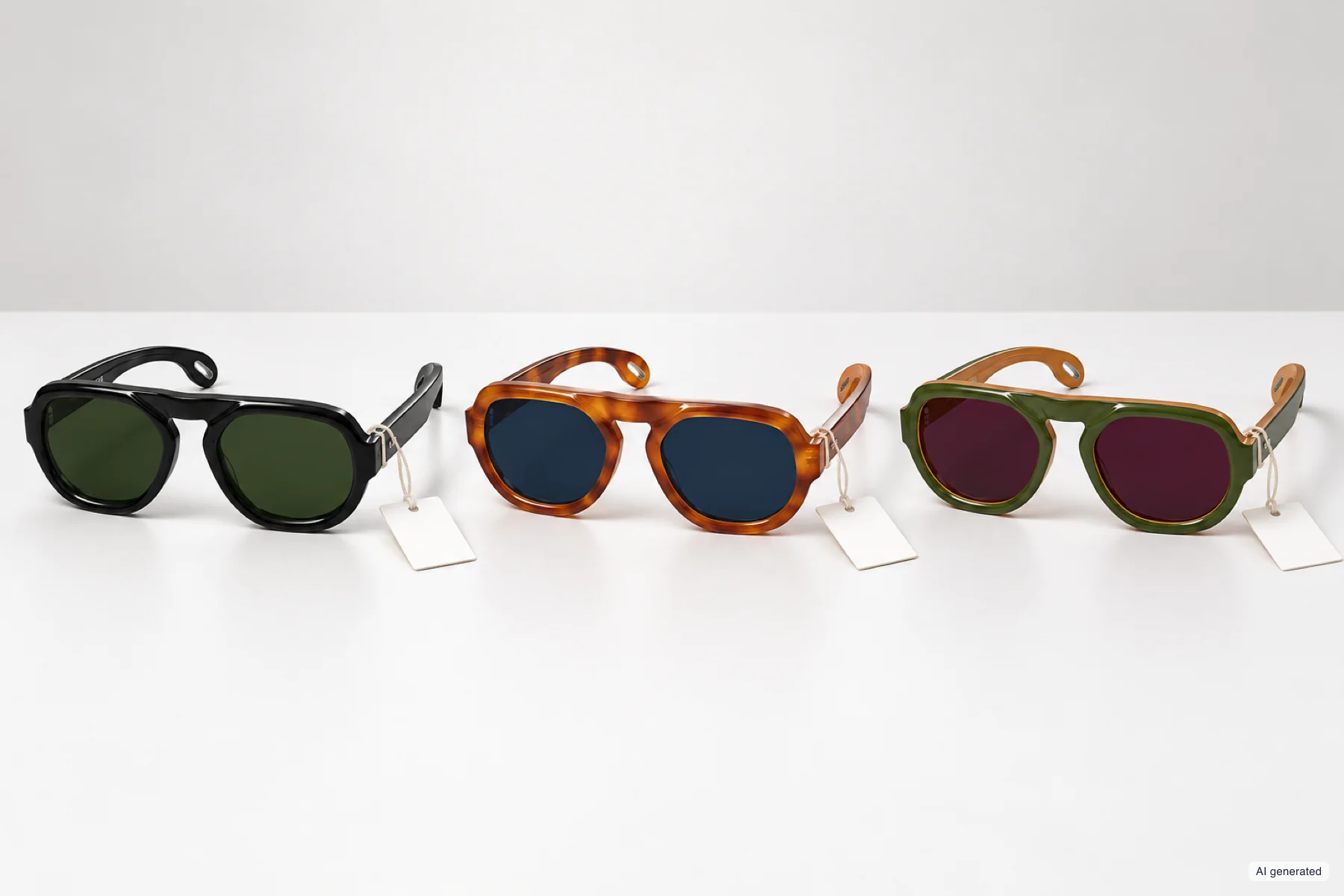
Each variant has its own code, and the match with the 3D model rests on it.
Shopify explicitly distinguishes SKUs from barcodes and recommends unique SKUs for variants. Its documentation notes that duplicate codes can cause problems in integrations with third-party services.3 For a multi-brand retailer, it also matters what the code means: an internal SKU assigned by the shop may differ from the reference the manufacturer uses to identify the same frame.
Matching requires a stable relationship between these references. Correcting a product title should not change the variant’s identity; a change of SKU, on the other hand, can compromise a process that uses that very code to look up the asset. Deleting and re-creating a product may mean rebuilding relationships based on the shop’s identifiers.
In the ARShades plugin, the search for a match uses SKU, EAN or UPC codes, without inferring the match from the product’s name or image. Synchronisation creates the links to the models available in the Library and keeps them in the ARShades catalogue associated with the shop.4
Checks must go all the way down to the physical variant. A formally valid code can be associated with the wrong colour or a different lens width. That is why data checks and visual checks play complementary roles: the first verifies the link, the second what the customer actually sees.
The selection must stay consistent all the way to the basket
On a product page, a shopper can choose a colour before opening the Virtual Try-On (VTO), change it during the try-on and then go on to order. You need to decide how these changes carry through.
If the VTO opens on a default variant, the page must make clear how it relates to the variant selected in the shop. If the try-on lets the shopper choose another variant, going back to the product page can either update its selection or require a new, explicit step. What must be avoided is leaving two diverging selections without flagging them.
Shopify’s Cart API documentation uses the variant ID to add an item.5 As a result, a try-on that looks right can still lead to a faulty purchase flow if the Add to basket button keeps the previous identifier. The last image seen and the item added must both be traceable to the same variant.
A useful test case starts from a frame with several colours and at least two lens widths. Arrive through a link that preselects a variant, change the selection in the try-on, then check the name, price, availability and basket line. Shopify documents direct links to a variant through the ?variant= parameter; without that parameter, the theme opens the selected variant or the first available one, and the result of the test changes.6 The required outcome depends on the features actually enabled in the integration; adding to the basket inside the VTO, where available, needs the same test.
The same principle applies to more complex optical configurations. Trying on the frame and configuring the prescription lens may belong to separate systems. The representation shown must make clear which combination it refers to, leaving it to the order flow to validate the options available for purchase.
The theme decides where and how the feature lives
Shopify’s theme app extensions separate app blocks, which can be placed in compatible sections, from app embeds, which are also used for overlaid elements and site-wide components. Embeds have to be activated in the theme; adding a block and activating the related integration layer can be separate steps.7
This structure reduces the need for direct edits to theme files, but the implementation still depends on a few things: the template in use, the block’s position, the variant picker logic and dynamic page updates. A shop may use different templates for different categories or brands, and a change published on the main template may not reach every product page involved.
Behaviour also needs checking in components that update only part of the page, such as some product quick views. The theme may replace a picker or a button when the variant changes; the integration must keep reading the right state, without duplicating controls or holding on to references to the previous product.
Testing on an unpublished theme is a useful way to check these points. Before going live, you then need to verify the production domain, the templates actually assigned and the conditions under which scripts are triggered. A headless shop or a heavily customised flow also requires the integration to be assessed on its own architecture, beyond the compatibility declared for standard themes.
Coverage depends on the part of the range that gets attention
Saying that virtual try-on is available on a hundred variants does not yet tell you how much of the shopping experience is covered. Those hundred variants might include the products most in demand or a marginal slice of the range. They also need to be interpreted in terms of frames: the subscription limit is counted in linked variants, not products, so a hundred variants may be twenty frames in five colours.4
For a useful analysis, it is worth separating the share of variants covered from the share of visits to product pages that offer the try-on. The second measure needs the shop’s traffic data: it cannot be derived from a count of digital models. The two shares can be very different, especially when a campaign concentrates visits on a few products.
The choice of the first group of frames should therefore weigh importance to sales, variety and asset availability together. A range made up only of models that are easy to render may suit an initial technical check, but says little about the quality of the service across the full catalogue. Translucent acetates, thin metals and different lenses test different aspects of the rendering.
Coverage also needs revisiting over time. If the shop publishes a new collection without completing the matching, the absolute number of VTO models may stay the same while the share of traffic served falls. Catalogue monitoring must keep pace with campaigns and new arrivals.
Synchronisation is part of product management
The catalogue keeps changing after launch: new codes, products removed, variants added, digital models corrected. Each change can affect a different side of the relationship.
The ARShades documentation says to run the synchronisation again when you add products, change SKUs or barcodes, or when new models become available. Linking operates on the ARShades catalogue and does not modify Shopify products.4 Synchronisation should therefore be treated as an activity in the range-planning calendar, with an assigned owner.
Availability of the service also depends on access to the platform: licence, authorised domain and the scope of active variants. A product may have a correct match and an available asset, while a problem at one of these levels stops the try-on from opening. Checks should tell the three cases apart, because each calls for a different fix.
A workable process ties the publication of new products to a coverage check: which variants are matched, which are waiting for their asset to be produced, and which should remain viewable without the try-on. Discontinuing a frame calls for a similar decision on what stays visible and on the links still in circulation.
Assessing the service within the purchase flow
The reliability of the integration includes what happens for shoppers who do not use the VTO. Scripts and assets should not compromise browsing the product page, choosing options or making a normal purchase. Shopify’s documentation on theme app extensions recommends loading scripts only on the pages where they are needed.7 The Built for Shopify requirements set a threshold: an app must not lower the shop’s Lighthouse score by more than ten points, and elements added to the theme must be built with theme app extensions.8 It is a criterion a retailer can ask of any supplier. The initial load and the load added when the try-on opens should be assessed separately.
For those who open the try-on, what matters is whether the right variant loads and whether going back to the shop keeps a consistent selection. For the e-commerce manager, these checks come before interpreting any effect on sales: a higher conversion rate among those who choose to try on does not, on its own, prove the feature’s causal contribution, as we discuss in more depth in the article on the pilot project.
The integration becomes reliable when the shop manages to keep it consistent through its own changes. The measure of success therefore covers both the first launch and the work of the weeks that follow: linking a new variant, correcting a code, publishing an updated theme, and continuing to show customers the glasses they will be able to order.
Sources
-
Shopify Developer Documentation, Liquid variant object: identifier, availability and inventory policy. ↩
-
ARShades Knowledge Base, New synchronisation and Catalogue synchronisation. ↩ ↩2 ↩3
-
Shopify Developer Documentation, Product merchandising, Variants, section on variant deep links. ↩
-
Shopify Developer Documentation, Configure theme app extensions, sections App blocks, App embed blocks and Performance. ↩ ↩2
-
Shopify Developer Documentation, Built for Shopify requirements, 2.2.1 Minimize the impact on store speed and 3.2.1. ↩
Share
Send this article to a colleague or save the link.
Related insights
View all articlesDesigning a Virtual Try-On pilot that supports a decision
Test scope, quality criteria, audience assignment and uncertainty in the results. How to build evidence that helps you decide whether, and on what terms, to extend Virtual Try-On.
8 min read
Virtual Try-OnVirtual try-on for eyewear in 2026: what has changed and what to ask a provider
Proportions, realistic lenses, privacy and PD estimates in the browser: the criteria to check during a demo.
10 min read