Case study · Blenders × ARShades
From website photographs to virtual try-on
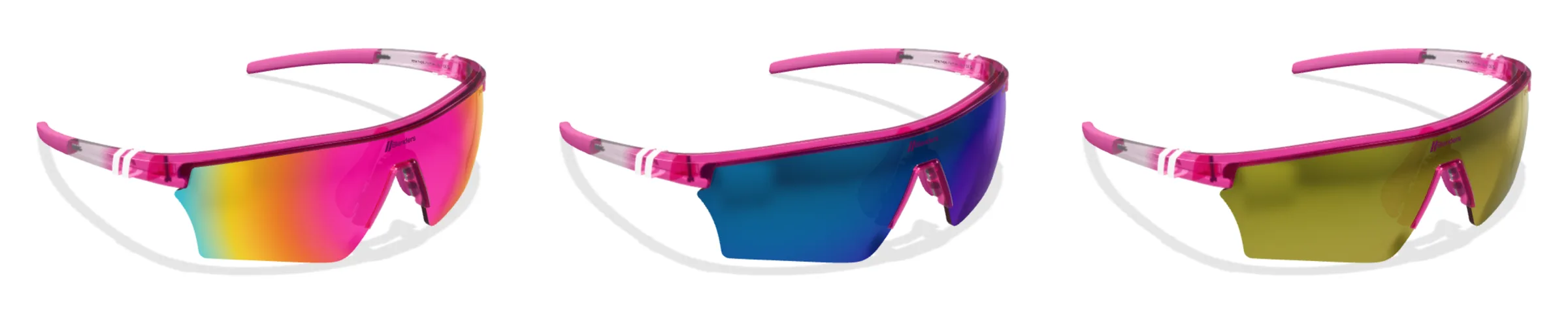
Blenders wanted the glasses in its virtual try-on to match the images already published on its website. Recreating that look, from colours and finishes to mirrored lenses, was the challenge that led Spaarkly to refine the entire Glasses Variant Builder suite.
The challenge
Recreating the look of the photographs in 3D
Founded in San Diego in 2012, Blenders makes colour a defining feature of its eyewear. Its website photographs express that character through glossy or matt frames, transparency, gradients and mirrored lenses.
The brand specified those images as the reference. Customers moving from the product page to virtual try-on needed to recognise the same glasses: the frame colour, surface finish and lens effects all had to convey the same visual identity.
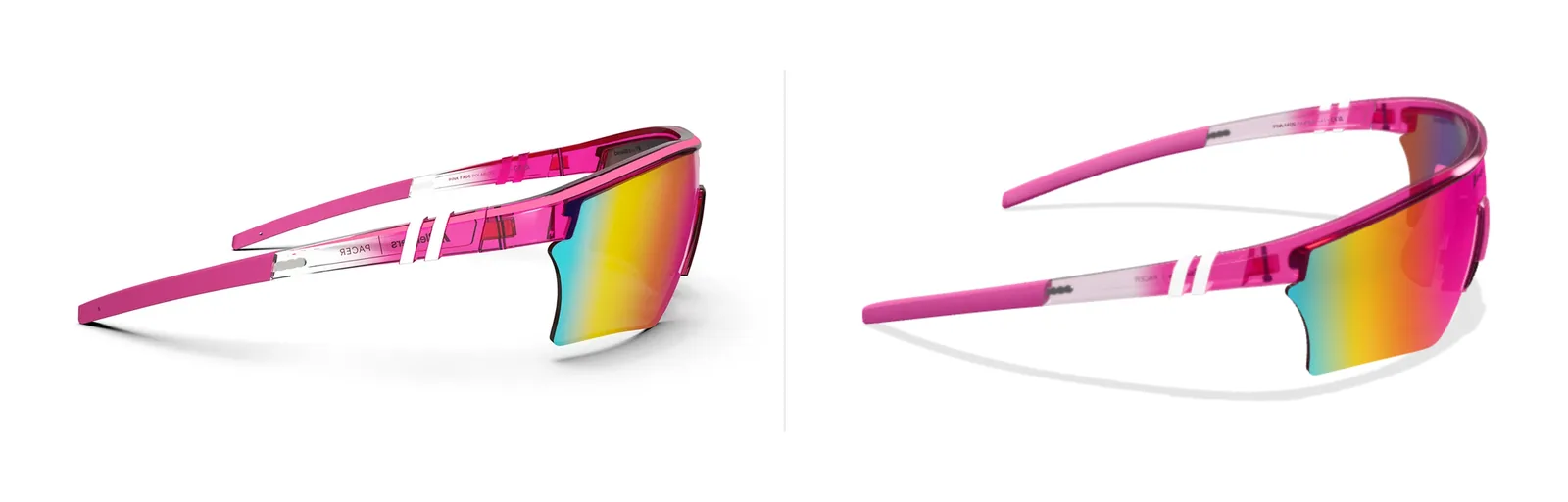
The main challenge was to translate the look of the photographs into 3D materials, keeping that consistency as the model rotates and responds to light. Discussions with Blenders focused on how closely the 3D model matched the website images.
Working with the brand
A visual reference, a shared approval process
The photographs establish the intended look. This is checked on the model before the variants are produced.
ARShades Studio is where the review and validation with Blenders take place. The Glasses Variant Builder brings together the internal tools the 3D modellers use to prepare the assets.
How the Glasses Variant Builder evolved
From a few features to a complete suite
The Glasses Variant Builder began with a few features for creating variants. The needs that emerged from the work with Blenders guided the suite's development, from defining materials to using them in production.
Library and presets
Save approved configurations and retrieve them when the same material is used on another frame.
Calibration on the model
Adjust colour, finish and response to light on each asset, using the library preset as a reference.
Textures and placement
Work on the surface maps and their projection to adapt them to the different parts of the frame.
Creating variants
Start from validated geometry and change the materials to create the other colourways of the same frame.
The results
Results for Blenders and Spaarkly's 3D modelling work
The results for the Blenders project are shown alongside those for all Spaarkly's 3D modelling work.
| Metric | Blenders | Overall |
|---|---|---|
| 3D asset production time | −30% | −25% |
| Material revision requests | −65% | −75% |
The figures in the ‘Overall’ column cover all Spaarkly 3D modelling work.
Want your virtual try-on to reflect the look of your eyewear?
We start with the images that represent your brand to define the materials and produce the 3D variants.